

Privacy first marriage biodata maker
Create a beautiful marriage biodata in PDF or image
Your marriage biodata is often the first thing another family sees about you, so make the best first impression. Fill in your details, choose a design you love, and download a polished PDF or image in just 2 minutes.
1 Lakh+ biodatas generated
No sign up required 100% private and secure
1 Lakh+biodatas generated
~2 minsfrom start to finished file
PDF & imageformats ready to share
0details stored on servers
the collection
Popular Marriage Biodata Templates
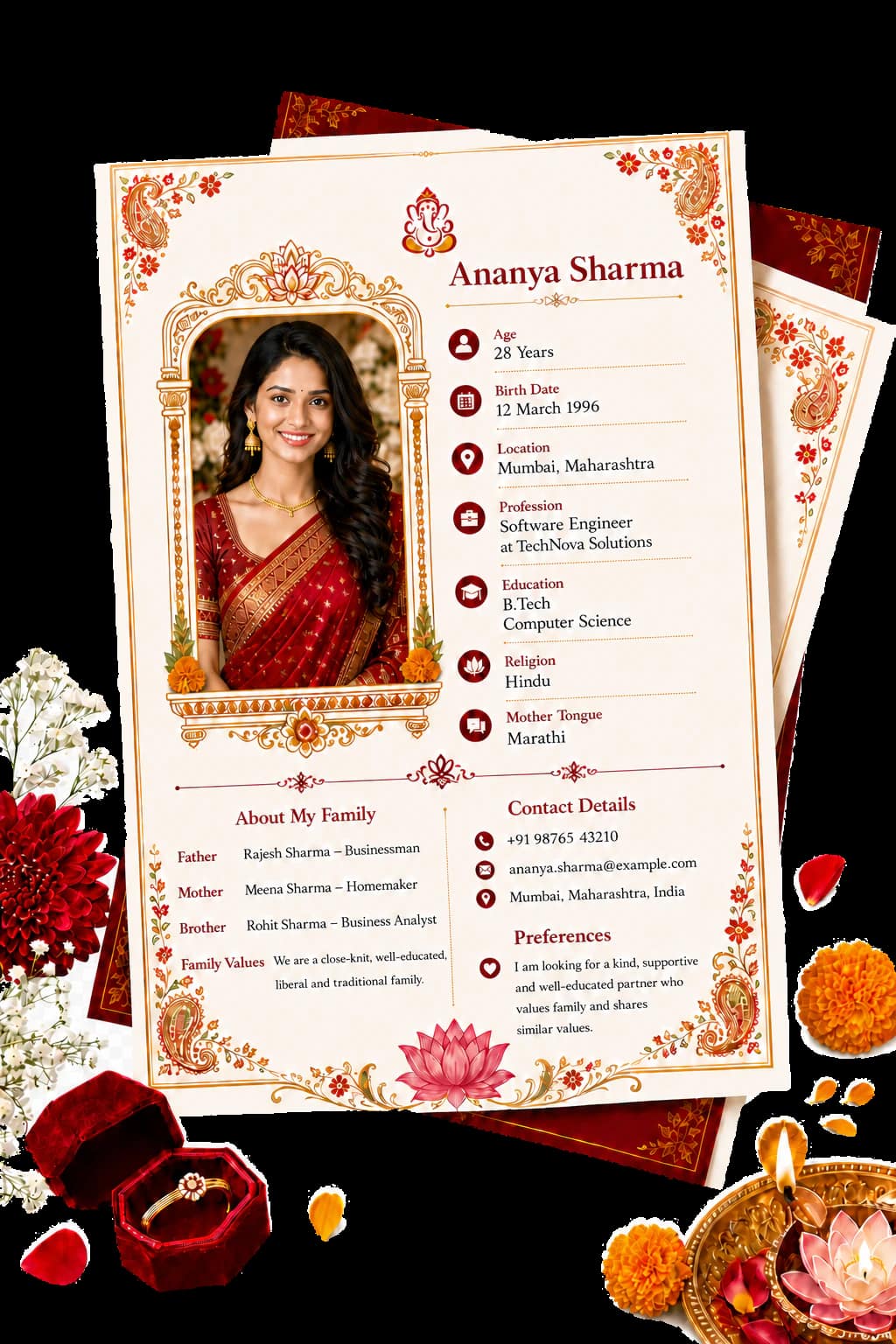
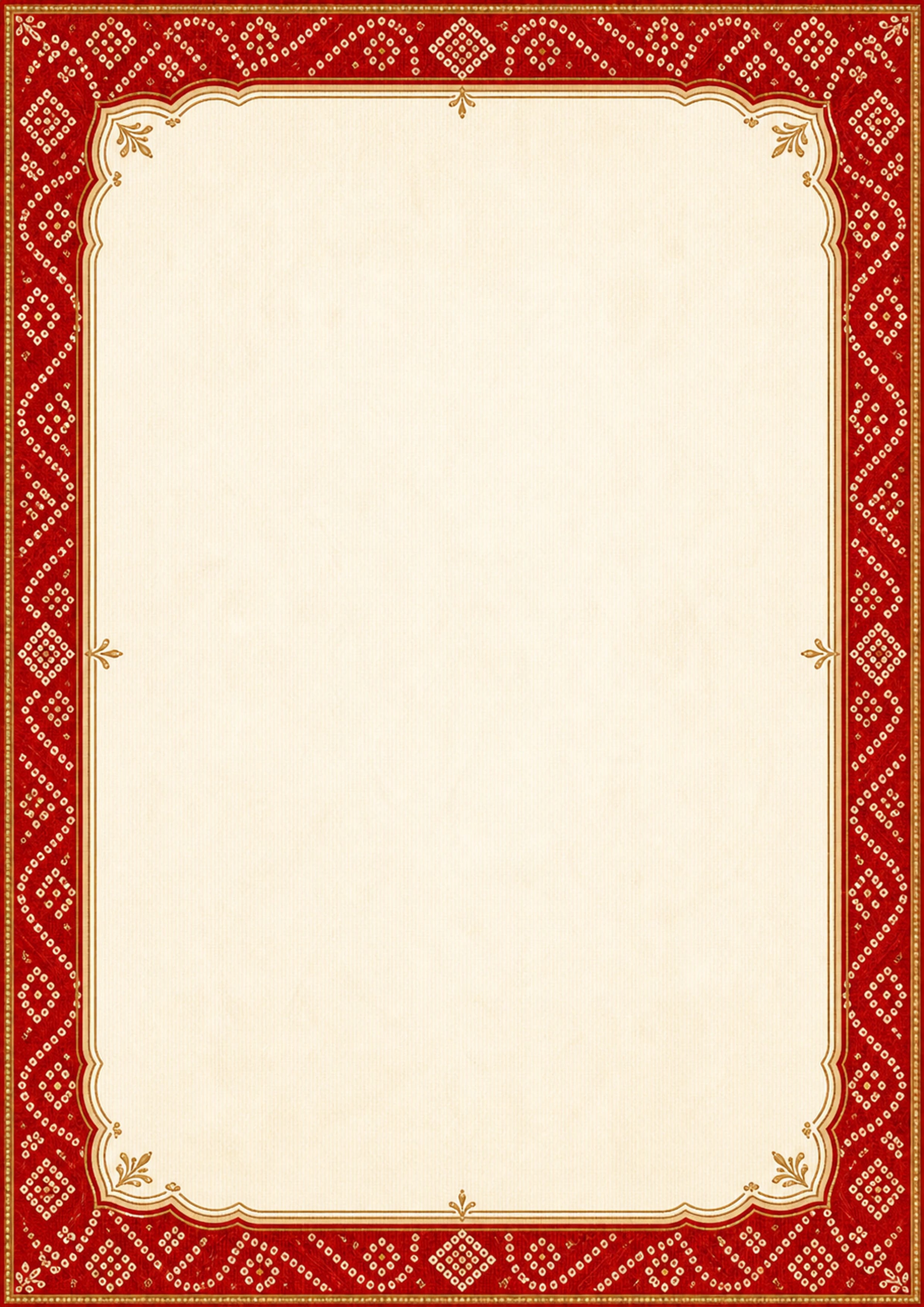
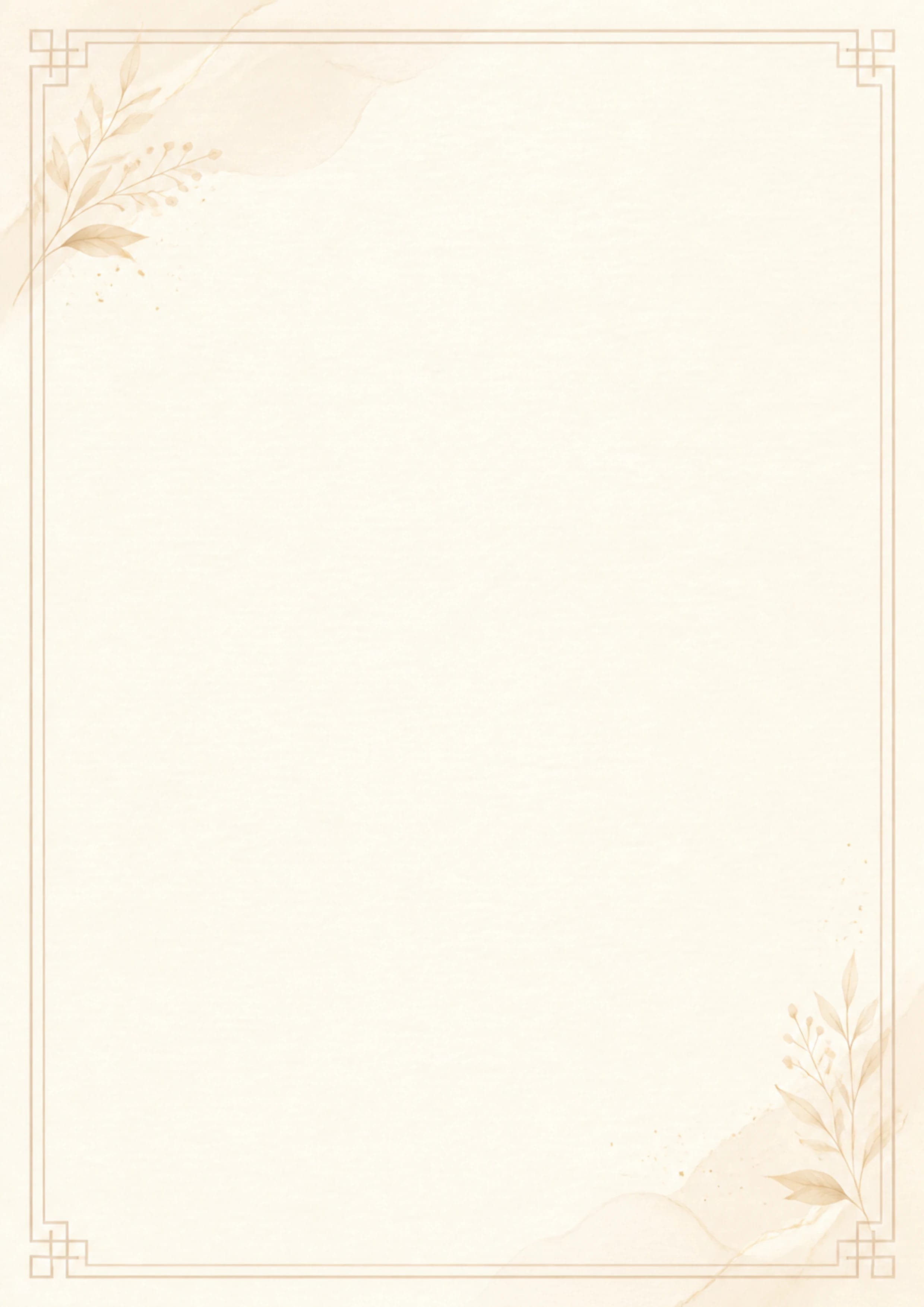
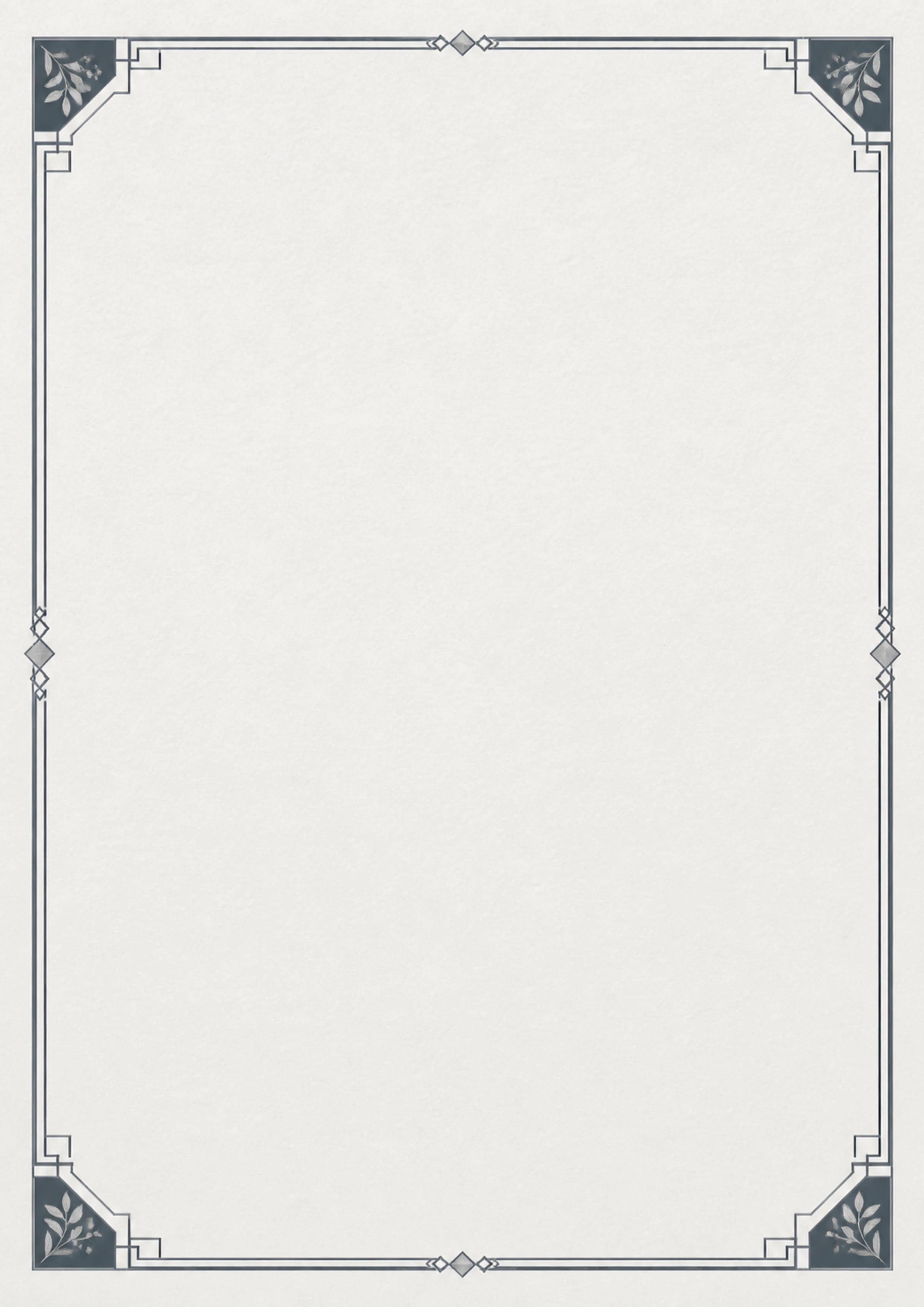
Some families want family details and horoscope notes to stand out. Others prefer clean lines and no fuss. Browse marriage biodata formats for girls and boys, with or without a photo, across warm, family-focused layouts and clean, flexible designs. Preview your own details, then choose a marriage biodata template that feels right for you.



The simple way to begin
How to Create a Marriage Biodata Online in 3 Steps
Make a marriage biodata online in about 2 minutes. No design skills needed, no sign-up required, and nothing to install. Add your details, choose a marriage biodata template and format, then download a finished PDF or JPG/PNG image to share with family or add to a matrimonial site.
No sign-up required. 100% free
01
Add your detailsStart with the information families expect in an Indian marriage biodata, including your name, birth details, education, family background, and optional Rashi or Gotra fields. Rename, add, or reorder fields to match your family’s preferences, then crop your photo directly in the browser.
02
Choose a templateYour details update live across every biodata template. Switch between traditional and modern layouts, with or without a photo, then choose the format that feels right for you.
03
Download and shareDownload a crisp A4 PDF in one click. It prints cleanly, reads well on a phone, and is easy to share on WhatsApp, by email, or on a matrimonial site, so relatives can view it easily and your profile makes a strong first impression.
Start Creating Your Marriage Biodata
Choose the fields you want to share, then rename or reorder them to match your family’s preferences.
The biodata form will load when you reach this section.
the details that matter
A Marriage Biodata Format That Starts a Conversation
A well-framed photograph
The crop tool keeps your photo at a 3:4 portrait ratio, giving it a familiar matrimonial-photo shape without squashed faces or awkward edges.
Birth details for Pandit Ji
Keep your date, time, and place of birth together near the top, where elders often look first for horoscope matching.
Rashi, Nakshatra, and Gotra, ready to add
The often-forgotten Rashi, Nakshatra, and Gotra fields are already available with dropdowns. Remove them if your family does not follow them.
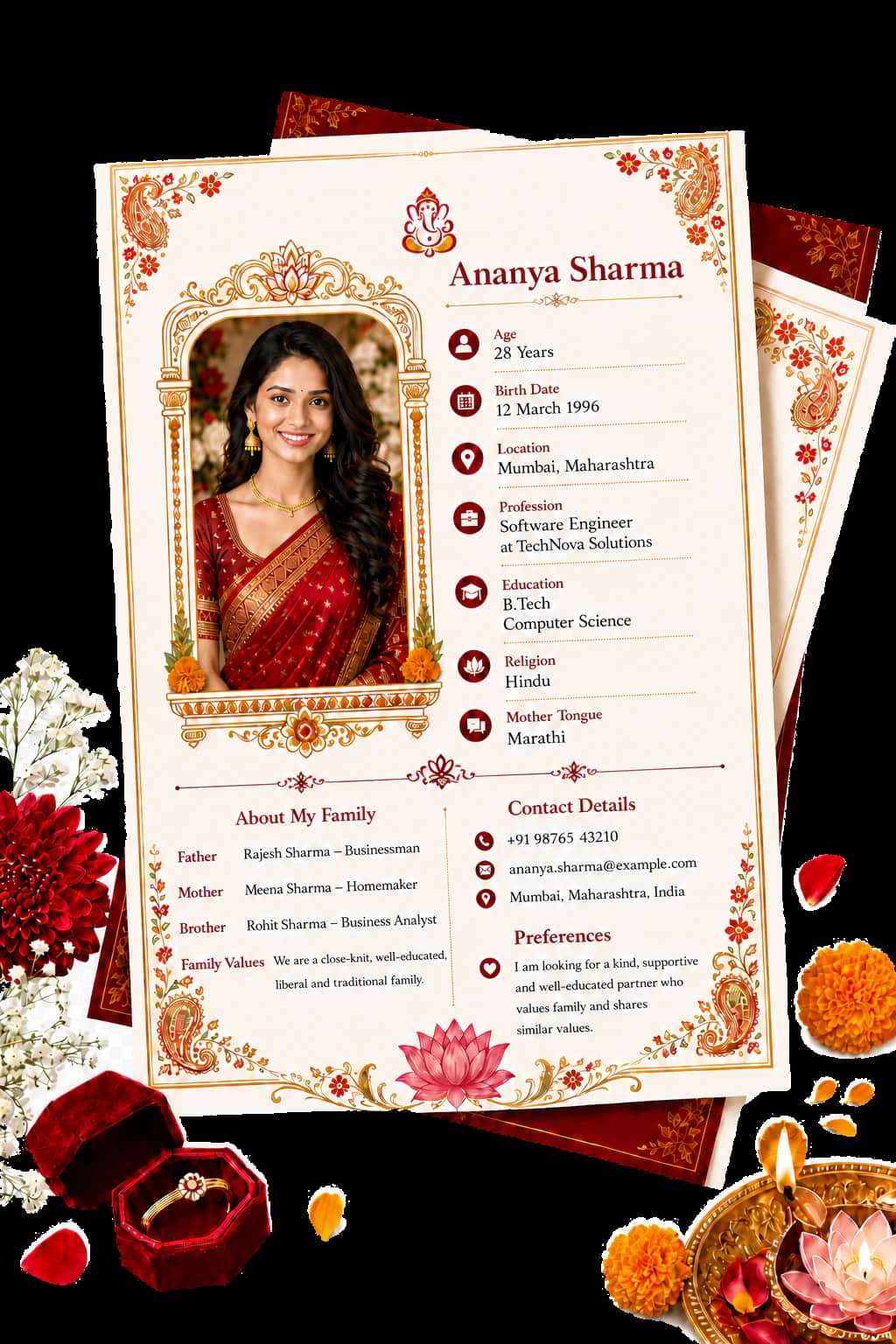
Education and work, stated plainly
Share your qualification, occupation, and income in the order families ask about them, so the key questions are answered upfront.
Family details with room for context
Include your parents and their occupations, along with your siblings and their marriages, to give families enough context.
A clear way to continue the conversation
Add the name and phone number at the bottom so families call the right person, often an uncle.
for the curious
A Short, Honest Guide to the Marriage Biodata
A marriage biodata keeps the important details together, so families can understand your introduction before the first conversation.
What is a biodata for marriage?
A marriage biodata is a one-page profile exchanged by families when they are considering a match. It brings together your name, date of birth, height, religion, education, occupation, horoscope details such as Rashi, Nakshatra, and Gotra, family background, contact details, and a photograph.
Families often read it before the first meeting so they can understand the basics and decide what to discuss next. You may also hear it called bio data, marriage biodata, wedding biodata, shaadi ka biodata (शादी का बायोडाटा), matrimonial biodata, or a marriage resume/CV.
Marriage Biodata Format for a Girl
Traditionally, a bride's profile starts with personal stats and horoscope info, followed by education and family background. However, modern trends are flipping this script, with many prioritizing academic achievements and career status upfront. Our tool lets you dictate the flow. Simply sort the sections to match your family's preferences. Remember, there's no "right" way; it's about finding a structure that feels authentic to her. Check out our comprehensive guide and sample for more tips.
Marriage Biodata Format for a Boy
For grooms, the focus is often on professional stability right away. It's best to address qualifications, job role, and salary early on. Be specific about your employer, location, and if you're living overseas (include visa details). Once the professional basics are covered, move on to family background and partner preferences. Clear, upfront information usually yields better results than leaving details unclear. Explore our detailed guide and sample for boys.
With a Photo, or Without One?
Including a photograph is generally recommended if possible. A clear, well framed portrait (using our built in crop tool) tends to generate quicker and more positive responses. However, if your family or community guidelines prefer not to share photos, that's perfectly fine too. Our templates are designed to look polished and professional whether you include an image or not. Ultimately, go with what feels right for your situation.
Traditional, Modern, or Religious Design?
You have three main styles to choose from: Traditional layouts feature decorative borders and highlight horoscope details prominently. Modern designs take a minimalist approach, focusing on clean lines and personal attributes. Religious templates incorporate specific cultural symbols and required fields for your faith. Our tools are fully customizable, so you can add, remove, or rename sections to suit Hindu, Muslim, Sikh, Jain, or Christian traditions perfectly.
Looking for a Canva Marriage Biodata Template?
You might be looking for a Canva alternative because, while Canva is powerful, it starts as a blank slate. You end up manually typing in details like "Gotra" or "Rashi," wrestling with alignment, and hoping the final export fits standard paper sizes. Our specialized maker eliminates that hassle. The structure, fonts, and layout are preconfigured for marriage profiles. You simply fill in your info, pick a style, and download. What usually takes hours of design work here takes just 2 minutes, and your private data stays on your device.
What should a marriage biodata include?
Personal details
- Name and date of birth
- Height and religion
- Education and occupation
- Horoscope details such as Rashi, Nakshatra, and Gotra
- Photograph
Family details
- Parents and their occupations
- Siblings and their occupations
- Siblings’ marriages
- Family background
Contact details
- Contact person’s name
- Phone number
- Email address
- Residential address
Marriage Biodata Stories from India and Abroad
“Great tool. I made the biodata from Dubai and shared the file with my family in Kochi. We checked it together before sending to the other side. Very helpful.”
“Very good. The sections are clear and the other family can read everything easily. No unnecessary details. Thank you.”
“Nice option to add Rashi and Nakshatra and change the labels. Made it feel like our own biodata. Good work.”
“Perfect that I could put my uncle's name and number at the bottom. Sharing on WhatsApp was easy. Thanks.”
“Photo crop is excellent. No stretching. Downloaded PDF and Word file and sent it to my parents same day. Really useful.”
questions, answered plainly
Common Questions About Marriage Biodata
Get clear answers about making a marriage biodata online, choosing the right fields, adding horoscope details, and sharing the finished file with family.
What is a biodata for marriage?
A marriage biodata is a one-page profile that families exchange when looking for a match. It includes personal details, education, job, family background, horoscope information (Rashi, Nakshatra, Gotra), and a contact number, usually with a photo. It is the first introduction before any meeting happens.
How do I make a biodata for marriage online?
Fill in your details in the form, crop your photo if you want, choose a template, and download. The whole process takes about 2 minutes. No sign-up is required.
Can I make a biodata on my mobile phone?
Yes. Open the website in any mobile browser. The form, photo crop, and download all work on your phone. No app is needed. You can share the finished file on WhatsApp right away.
Is this marriage biodata maker free?
Yes, it is 100% free. You can create, edit, preview, and download your biodata in PDF, JPG, PNG, and editable Word format without paying anything.
Is my personal information safe?
Yes. Everything happens inside your browser. Your details and photo are never uploaded to our servers. There is no database, so nothing can leak.
What should be included in a marriage biodata?
- Personal details (name, date of birth, height, religion, education, job)
- Horoscope details (Rashi, Nakshatra, Gotra) if your family uses them
- Family details (parents, siblings)
- Contact person and phone number
- A clear recent photo (optional)
Which format is better for a girl or a boy?
The structure is the same. For a girl’s biodata, families often look at education and family first. For a boy’s biodata, job and income usually come earlier. You can rename, reorder, or remove any field, so one format works for both.
Can I make a biodata with or without a photo?
Yes. You can add a photo using the built-in crop tool, or leave it blank. Every template looks complete either way.
Can I customise the fields (add Gotra, remove Caste, change labels)?
Yes. You can rename any field, add new ones, remove ones you don’t need, and change the order. This helps the biodata match how your family actually writes things.
What file formats do I get?
You get a print-ready A4 PDF, JPG, PNG, and an editable Word file. PDF is best for WhatsApp and printing. Word is useful if you need to make small changes later.
Can I edit the biodata after downloading?
Yes. Download the Word file and edit it in Microsoft Word or Google Docs. You can also come back to the website, update your details, and download a fresh version.
Can I share it on WhatsApp and matrimonial sites?
Yes. The PDF and image files open cleanly on every phone and are ready to share on WhatsApp, email, or upload to sites like Shaadi, Jeevansathi, or Bharat Matrimony.
Is this better than making a biodata in Canva or Word?
Canva and Word give you a blank page. You have to create every field yourself and fix the layout. Here the Indian biodata fields (including Rashi, Nakshatra, Gotra) are already present, the photo crop is built-in, and the files are ready in one click. It also keeps your data private.
Do you have templates for Hindu, Muslim, and other communities?
Yes. All templates work for any community. You can keep or remove religious fields as needed. Traditional, modern, and simple designs are available.
How long should a marriage biodata be?
One page is ideal. Families receive many biodatas and prefer something they can read quickly. Two pages are acceptable only if the family section is large.
Should I mention salary in the biodata?
It is optional. Many families expect it. You can write a range (for example ₹12 to 15 LPA) or write “details on request”. Leaving it blank is also fine if your family prefers that.
Can I create the biodata in Hindi or other languages?
Currently the maker works in English. You can type regional language text in the fields if needed.
blog & resources
Start with the right biodata format
One practical guide to choosing, editing, and sharing a polished marriage biodata in PDF or Word.
for the right introduction
Start With the Right Introduction
Create a marriage biodata that feels like you. Add the details you want to share, choose a design, and download a polished PDF or image in about 2 minutes. It is free to make, and you decide what belongs in it.
Create my biodata