
Quick answer
Marriage Biodata Format: PDF, JPG, PNG or Editable Word?
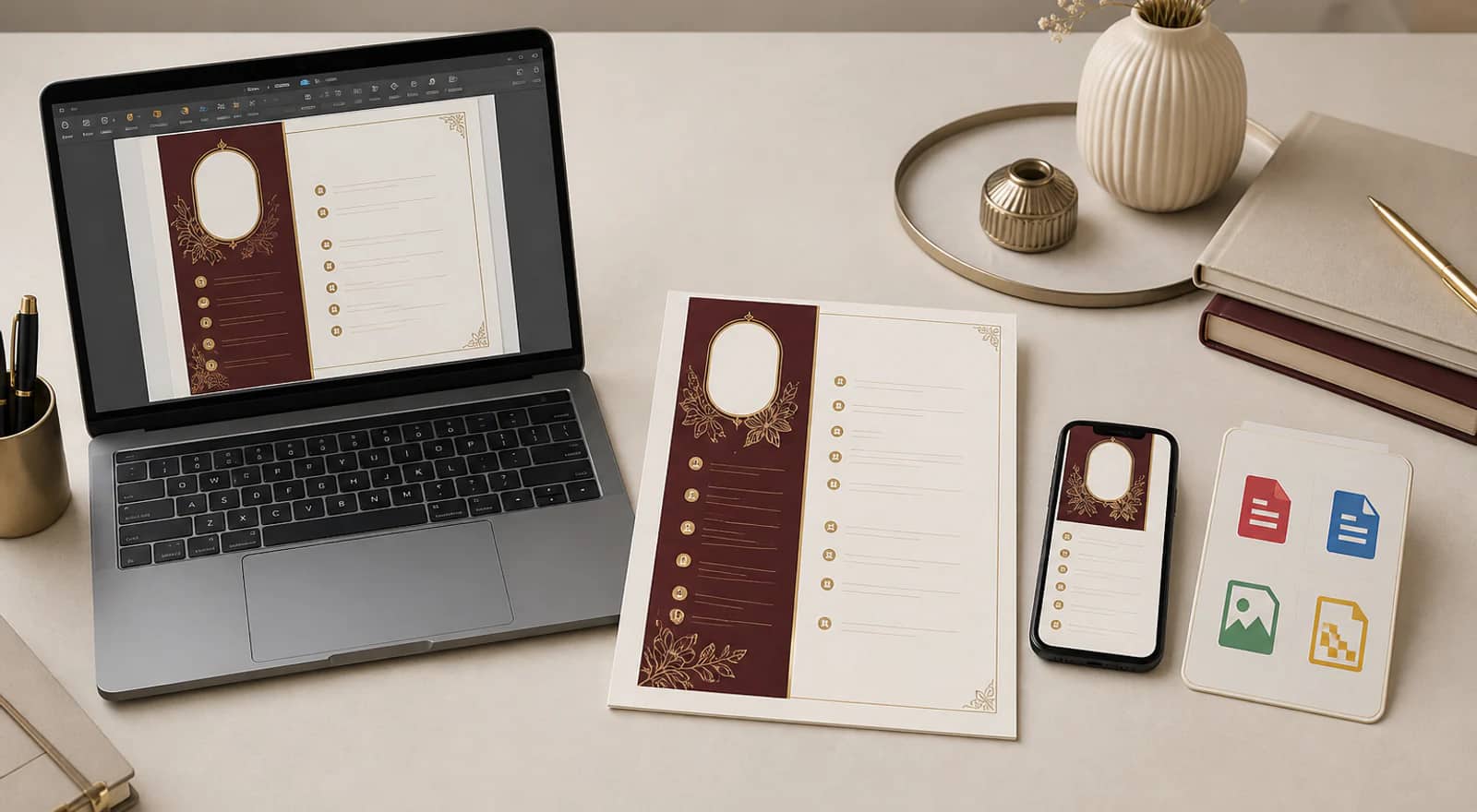
Use an editable Word file while your family is changing the wording. Choose PDF once the biodata is final, because it keeps the layout stable for WhatsApp, printing, and matrimonial sites. Send JPG or PNG when someone needs a quick image preview, and keep the final PDF as your family copy.
Choose the format for the moment
Most families begin with the same question: should we use a Word file, download a PDF, or make the biodata online? The answer depends on whether the details are still being discussed or the page is ready to send.
- Word: useful while parents, siblings, or the person whose biodata it is are still polishing the wording.
- PDF: the finished version for families, WhatsApp forwarding, printing, and matrimonial sites.
- JPG or PNG: a quick image preview when someone wants to see the biodata inside a message.
- Online maker: useful when you want the fields, design, preview, and final download in one place.
Marriage biodata file formats at a glance
Keep the working file with the family, and choose the sharing format according to what the next person needs.
| Option | Best moment | What it does well |
|---|---|---|
| The details are final | Keeps the page stable for sharing and printing | |
| Editable Word | The family is still editing | Makes wording and field changes easy |
| JPG | A quick WhatsApp preview | Opens easily inside a message |
| PNG | Sharper image details | Useful for graphic elements and crisp text |
Editable Word is helpful while the family is still deciding
A Word template gives the family room to work. You can add a qualification, correct a spelling, change a family detail, or move a section before the biodata is final. That flexibility is useful, especially when several people are reviewing the page together.
The trade-off is that the layout remains your responsibility. A photograph may shift, a heading may move to the next page, and a small edit can disturb the spacing. Keep the editable file while the details are changing, then check the final PDF before you send it.
PDF is the finished family copy
PDF keeps the photograph, headings, spacing, and family details in their proper place. It looks the same when an aunt opens it on WhatsApp, when a relative downloads it, or when a print shop puts it on paper. That consistency matters when the biodata is being forwarded outside your own phone.
Use PDF when the wording has been checked and the family is ready to share. Keep the original details nearby so you can make a correction and create a fresh copy later instead of editing the sent file.
JPG and PNG are made for quick sharing
An image is useful when a relative wants a quick preview inside a WhatsApp conversation. JPG keeps the file lighter for everyday sharing. PNG is useful when you want sharper text or graphic elements, though the file may be larger.
Images are convenient, but they are not always the best final archive. Keep the PDF as the family copy, and send the image when the situation calls for something quick and easy to view.
Carry the photograph carefully between formats
If the biodata includes a photo, choose one recent, clear portrait and keep it the same in every version. A photograph that looks fine on a computer can still lose quality when the file becomes a JPG or PNG, so check how the face reads at the size a relative will see on WhatsApp.
Traditional formats often place the photo near the name and horoscope details, while modern layouts may let education and work lead. Neither approach is better; what matters is that the photograph stays visible, current, and free of heavy filters or crowded backgrounds.
- Use the same recent portrait in the Word working file, the final PDF, and any JPG or PNG preview.
- Check the photograph at phone size before forwarding it, and confirm the latest version is the one being sent.
- Keep the finished PDF as the copy families print and share, and leave the editable Word file with the family.
The online maker keeps the decision together
When the family is starting from a blank page, an online marriage biodata maker can keep the details, design, and preview in one place. Fill in the personal, education, family, and contact sections, choose a design, and review the page before downloading it. You do not have to spend the evening fixing margins before the biodata is ready to share.
- Fill in the details your family wants to share.
- Choose a design and check the page on your phone.
- Download the PDF for the finished copy, JPG or PNG for a quick preview, or the editable Word file if the wording may change.
Before you forward the biodata
Read the final file once on a phone. Check names, dates, city, family contact, photograph, and the version you are about to send. If a parent or relative is forwarding it, make sure they have the latest copy.
The best file is the one that makes the next step comfortable. Keep the PDF for the proper introduction, JPG or PNG for quick sharing, and the editable Word file safely with the family.
Our editorial methodology
The Biodata for Marriage Editorial Team checks each guide against the current builder, published templates, and any sources listed in the article. Before changing the review date, we recheck examples for personal information, verify file-format instructions, and test the relevant links.